











・翌月にまとめてお支払い可能
・手数料無料(口座振替の場合)
・アプリでご利用金額を確認できて安心
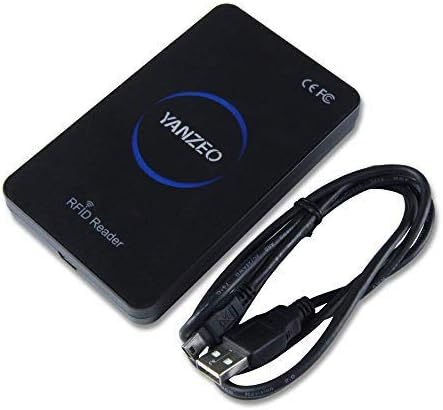
Yanzeo SR180 13.56MHz HF USBスマートIC RFIDカードリーダー非接触近接Windows 2000 / XP/WIN 7 / Win 10 / Vista/Android HS963 | KAZESHOP


¥4,671 税込
残り1点
 なら 手数料無料の 翌月払いでOK
この商品は送料無料です。
ブランド Yanzeo
接続技術 USB Type C
特徴 簡単なセットアップ
色 レッド
対応デバイス パソコン
この商品について
デモSDK:http://yanzeo.com/media/SR180SR160RFIDDemoEN.rar
Youtubeビデオ:https://www.youtube.com/watch?v = QvCuuq48y4A
Windows 2000/XP/WIN 7/Win 10/Vista/Android HS963 オペレーティング システムと互換性があります
無接触の近さアクセスのための 13.56MHz HF USB スマートな IC RFID のカード読取り装置
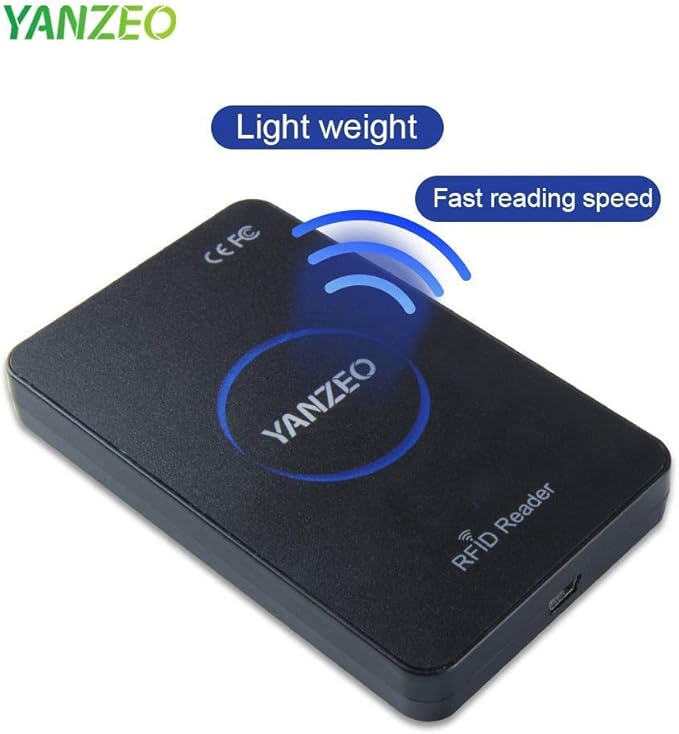
カード読み取り時間0.5秒以下で使いやすい
商品の説明
13.56MHz HF USB Smart IC RFID Card Reader Contactless Proximity for Windows 2000/XP/WIN 7/Win 10/Vista/Android HS963
Basic parameters
Name:IC Reader
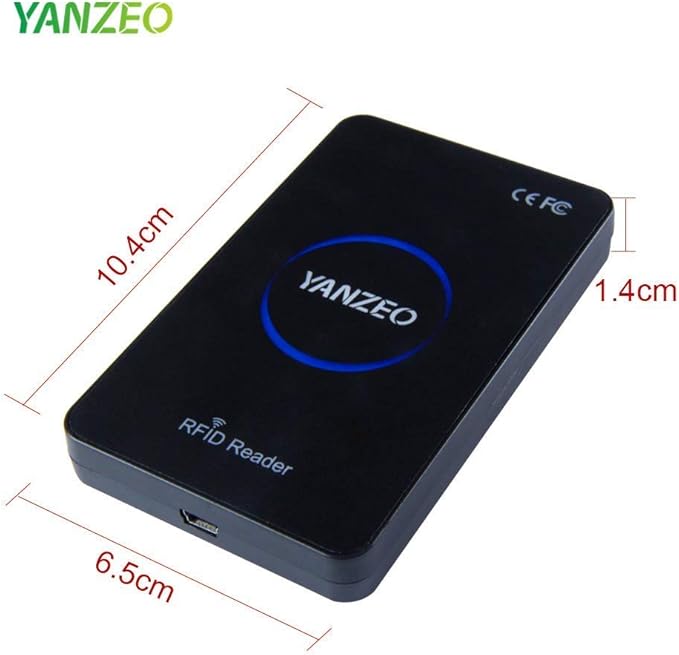
Dimension:105mm 65mm 15mm
Support Cards:For Mifare one S50,S70
Frequency:13.56MHz
N.W.:100G
Status Indication:2PC LED (Red means standby, Green means reader success)
Operating System:Windows XP\7\Linux\Android
Reader Time:<0.5s
Power Supply:+5V DC
Consumed Current:100mA
Operating Distance:0~80mm
Interface:USB Service
Temperature:-10℃ ~ +70℃
Store Temperature:-20℃ ~ +85℃
Instructions for use Reader
Connect the computer through USB directly.
Open Notepad or a word document.
The mouse in Notepad or WORD document clicking.
put card on the top of reader.
Notepad or word documents will output of the IC card number.
When Reading one card, LED lights turns red into the Blue.
Method of connect the PC Reader connect the computer, and open the “Device manager” of PC.
If the options menu has appear “Human Input Device”, that means the RFID reader connection is successful.
Precautions
There are many factors that will affect the readering distance. Such as different environment, different cards etc. Mouse to avoid transferring data errors when reader work.
Package Included:
1 x Card Reader
1 x USB Cable
レビュー
(31)
送料・配送方法について
お支払い方法について